 Valonote
The note appfor VALORANT
Keep what you pick up from guides, practice and matches in one notebook, and find it again by map and agent.
You can start writing without signing in. To read notes you wrote on another device, sign in.
How to fire the Recon Bolt
Bounce it off the A Long wall. Fall back right after firing.
Crosshair placement
Put your crosshair on the corner first and wait. Don't hug the corner.
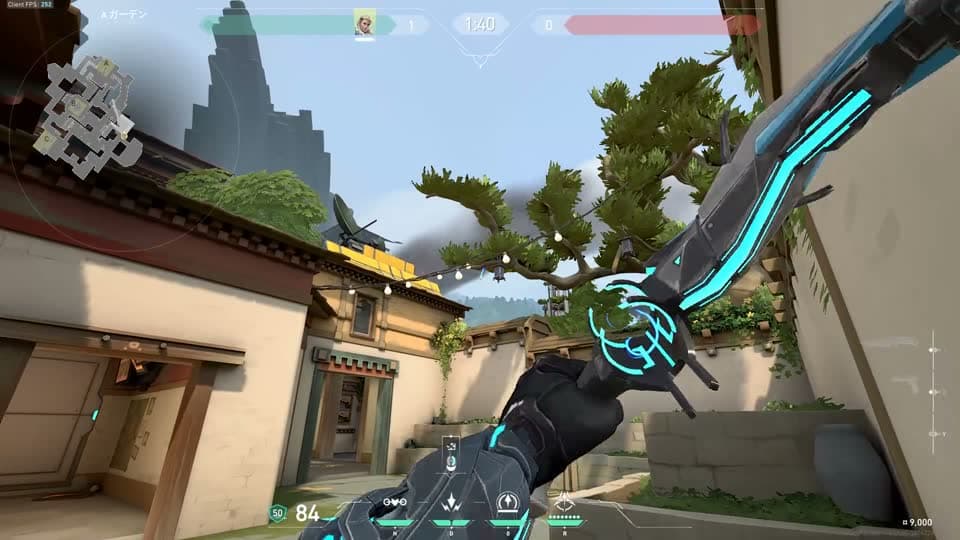
Sort lineup screenshotsautomatically
Add the screenshots and videos you've collected and they sort themselves by agent and ability. Pick and save them, and they become lineup cards you can find again from the map and add to your notes.
Add lineups & tricksLineups not yet grouped
15 lineups
Make your notesyour own color
Pick an accent color and a background. What you pick here changes this page too. You can choose a header for each note.
Write a noteAccent color
Background
Colors picked here are not saved. In the app, choose them from Appearance.
Valonote
New note
Search
Crosshair placement practice
Defending Haven
Appearance
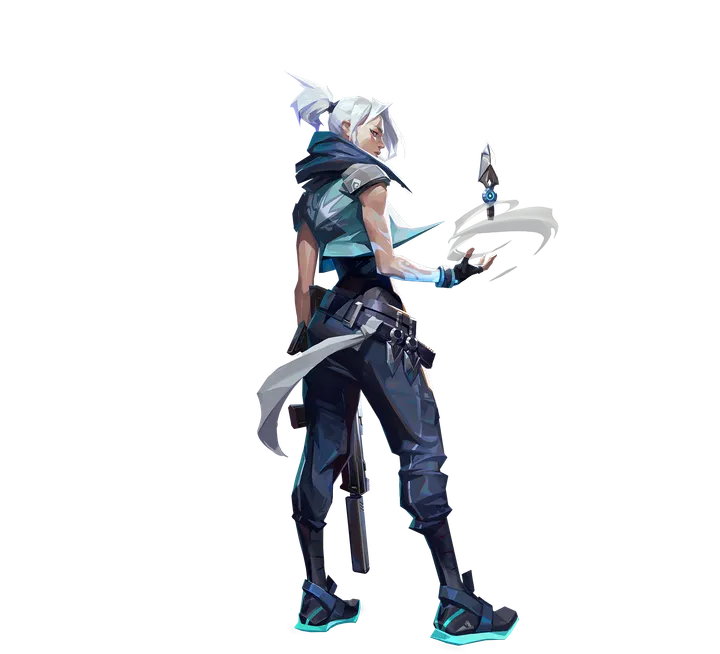
Things to watch in ranked
In the games I lost, I pushed up alone. Next time I'll move with my team. Details are in last week's review.
- Check the minimap at the start of each round
- Move right after shooting
- Learn how long smokes last
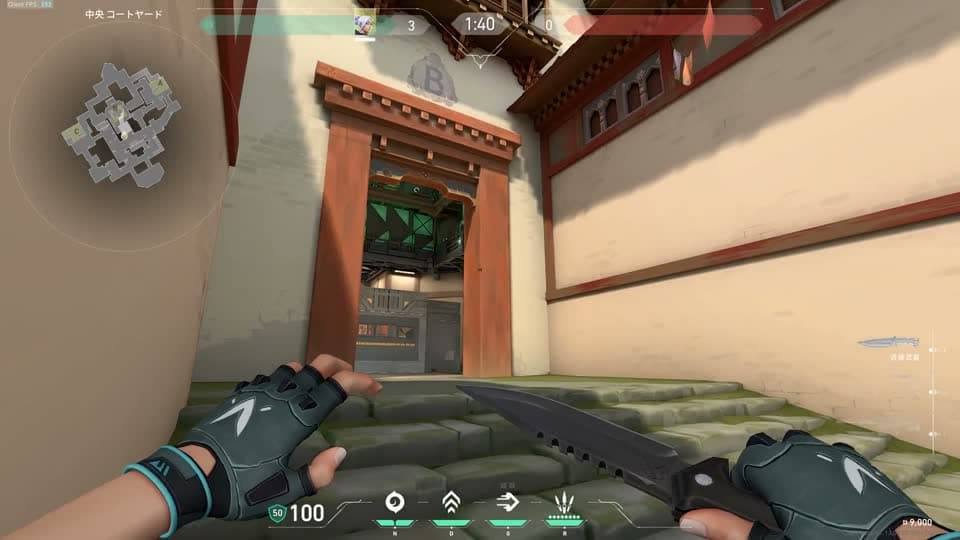
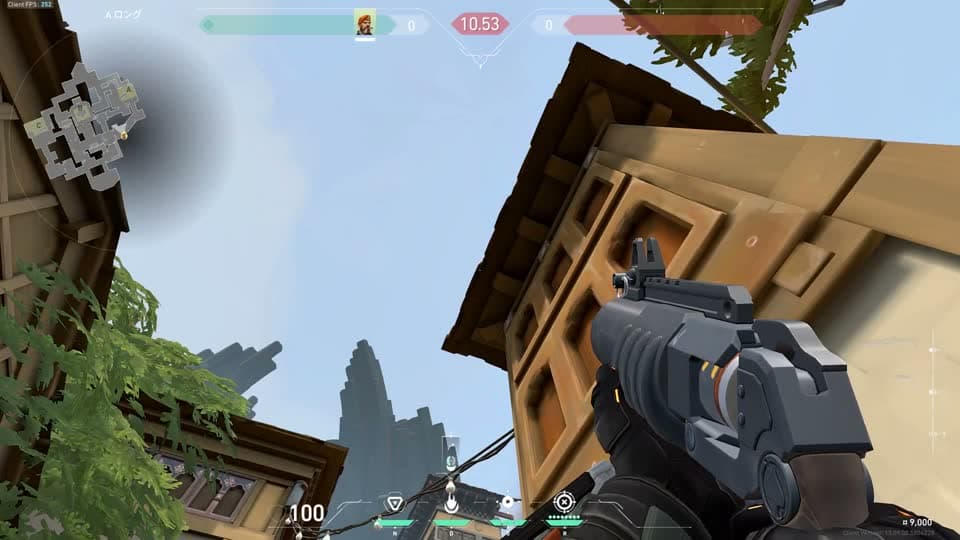
Find it again by map and agent
Filter by map and agent, or search to open a note. Keep the notes you read every time in a bookmark.
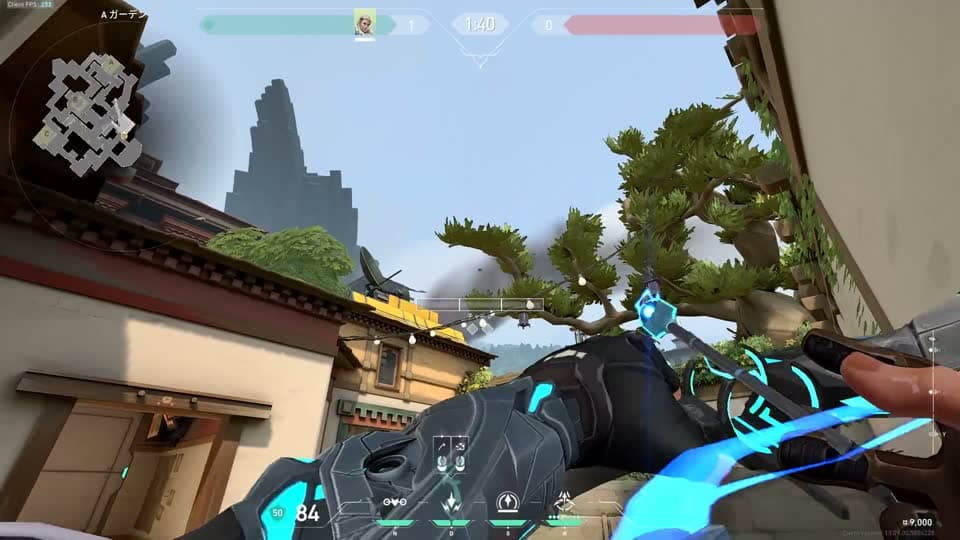
Draw on images
Add lines, arrows, circles and text. The original stays untouched, so you can redraw anytime.
Videos go in the same note
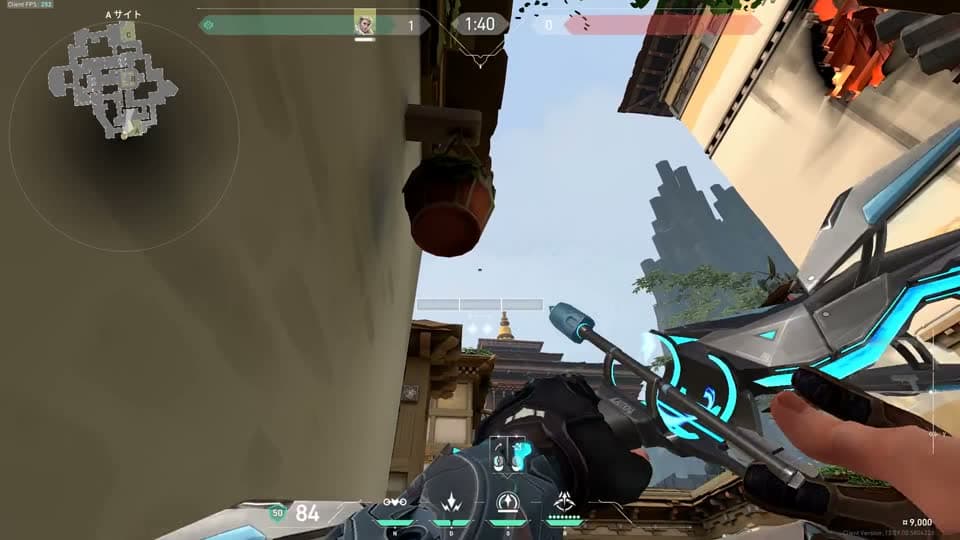
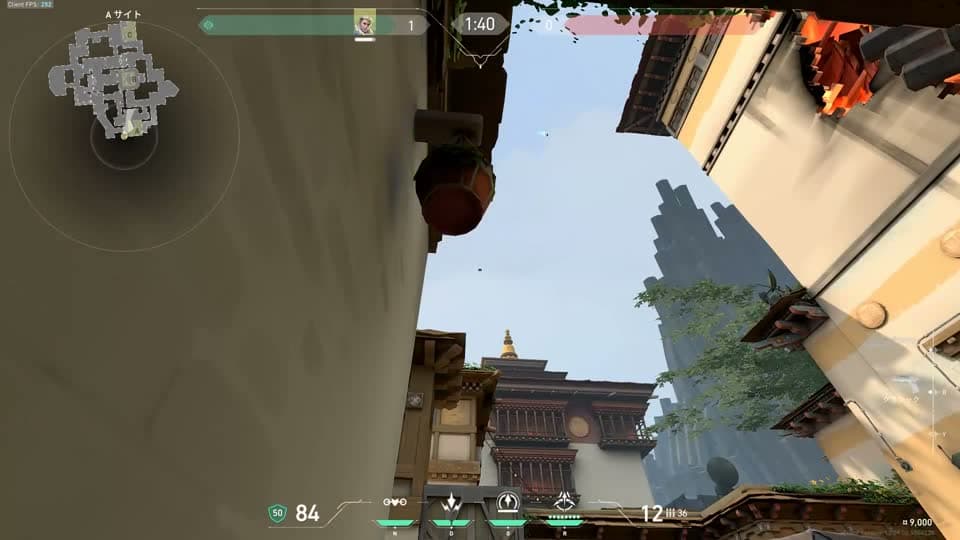
Keep the video of your throw, key points from a guide and your own memo on one page. You can also jump back to a moment in a video.
Open it on PC or phone
Sign in to open the same notes on PC and phone. Send a link to let friends read them.
Export anytime
Export all your notes, images and videos as a ZIP for free. Your records are yours; we don't lock them inside Valonote.
Read the samples
Notes from a video
While watching a pro match, I noticed they wait a long time for teammates before a retake.

Notes from a map
On Ascent B Long, the closer you are to the corner, the worse the fight tends to go.
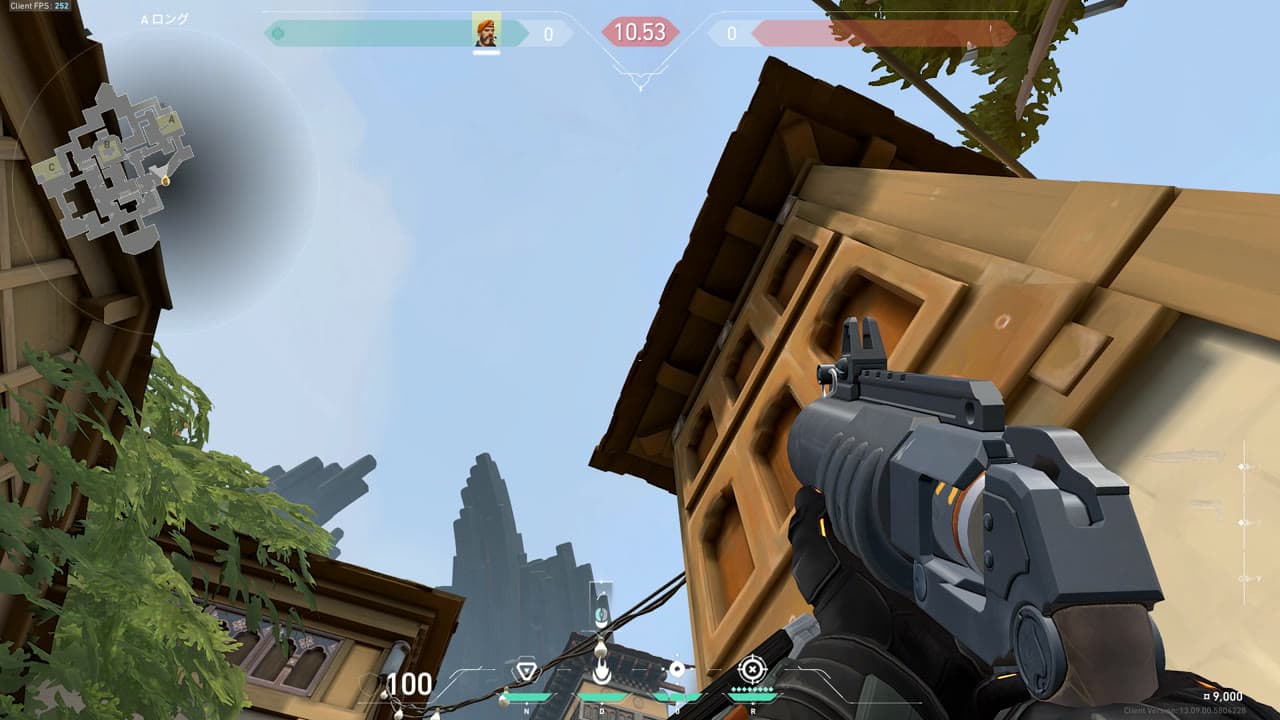
Lineup photos
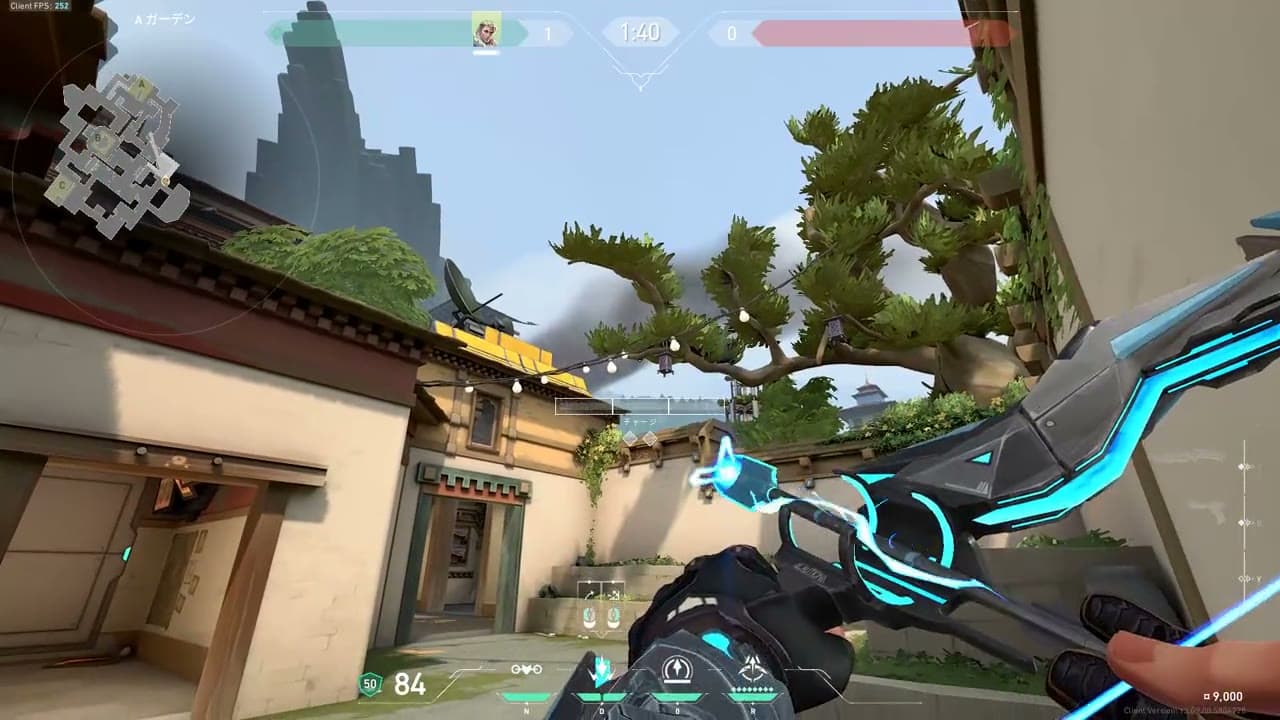
Keep a lineup's screenshot and a video of the throw in one note. You can draw arrows and circles on the screenshot.
Our performance promises
Fast, down to the millisecond
We build everyday actions like opening, writing, filtering and searching notes while measuring the time from your tap to the result. When something gets slower, we find the cause and fix it.
Pauses when you switch windows
While you're not using it, it makes no repeated requests and nothing keeps running. Your PC is under load only while a process you started, such as adding lineups or reading images, is running.
Never touches the game
It never captures the game screen while you play, reads game memory or files, or runs a program in the background that watches the game.
Mobile apps
Android
Coming sooniPhone
Under consideration
Notes for other games
 Coming soon
Apenote
Apex Legends
 Coming soon
Ownote
Overwatch